A registry that turns member outreach into a daily routine
One place to invite members, log calls and outcomes, record hours and run reports.
- Role
- UX/UI designer
- Scope
- Information architecture, Call logging, Reporting, Time tracking
- Tools
- Figma, Power Platform
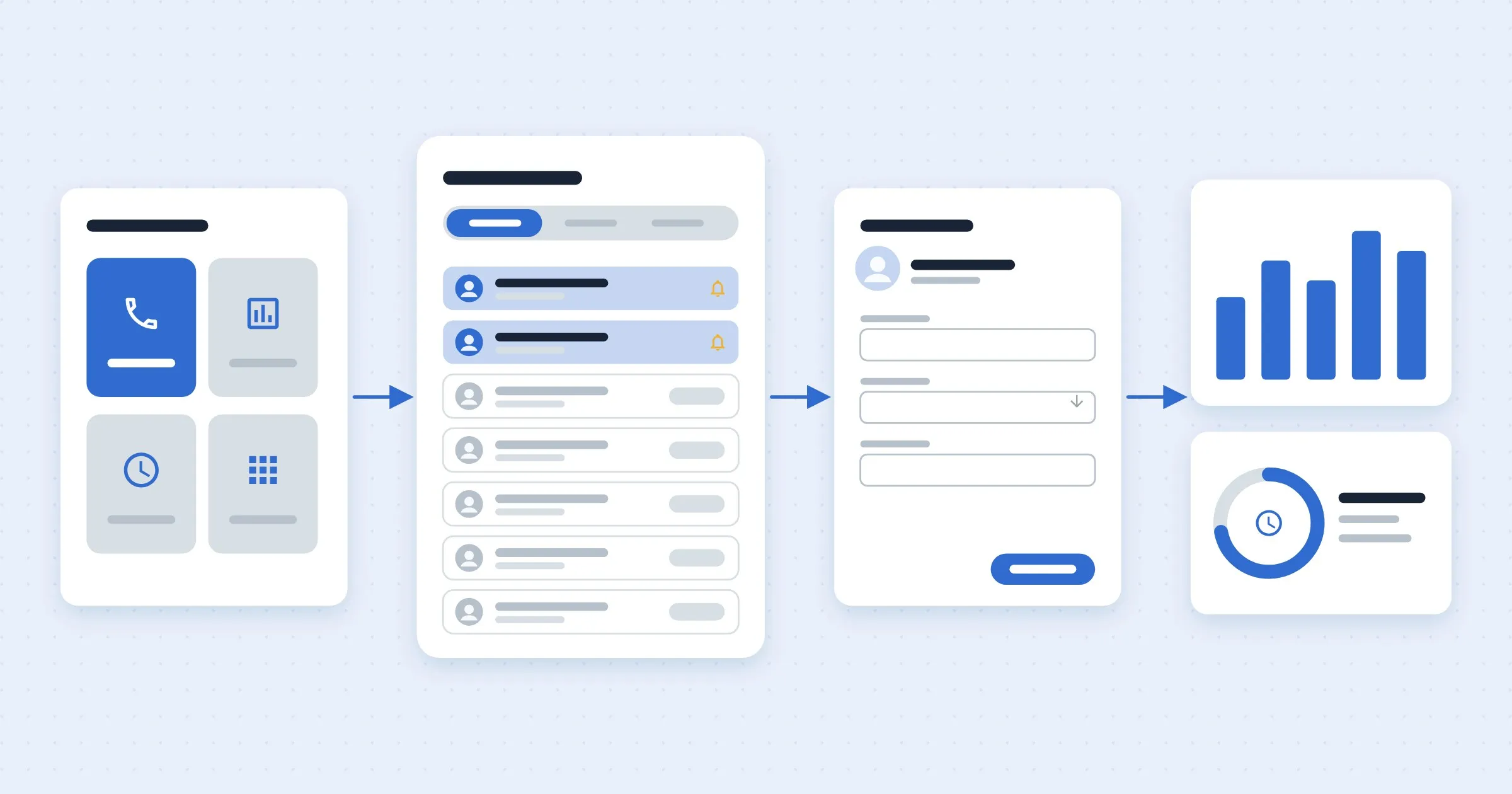
The registry gives a clinical outreach team one place to invite members, log calls and outcomes, record hours and run reports.
How outreach runs
Start from home
Four jobs, one click away.
See who’s due
Follow-ups and this week’s invites first.
Log the call
Member, call details and outcome in one form.
Report
Reports and recorded hours in the same place.
1Start from home
The home is built around four jobs: calls, reports, record hours and other payors. Payor choices moved out of a popup and into the main navigation, so nothing is hidden.
2See who’s due
Call invites surface follow-ups and this week’s invites at the top, with filters by program and outcome.
3Log the call
Logging a call captures the member, call details and outcome in one form.
4Report
Reporting and time tracking live in the same place as the outreach.
Member outreach registry screensCalls, reports, weekly hours and a before-and-after.Password required