Helping sales reps grow the accounts they already have
A cross-selling tool for Cargill's sales reps, shaped with reps and customers. It shows who to call, which products to offer and a quick way to act on each one.
- Role
- UX/UI designer
- Scope
- Research, Prototyping, Account view, Suggested products, Feedback loop
- Tools
- Figma, InVision
The challenge
Cross-selling means helping a customer who already buys from Cargill find other products they could use. Sales reps knew their accounts well, but they didn’t always know which other Cargill products a customer could use, or which customers to focus on first. Bringing on a new customer was slow too: it ran on forms and long email threads.
The goal was to help reps grow the accounts they already had, inside the sales system they already worked in.
How the engagement ran
Listen
Interviews with sales reps, coordinators and customers about how accounts get set up and grown.
Prototype
A clickable prototype of new-customer setup and the supplier offerings customers care about.
Test
Walk-throughs with customers and the sales team, with their feedback folded back in.
Design the MVP
A list of target customers, an account view with suggested products, and quick actions.
Plan what’s next
A future state where feedback from reps improves every suggestion.
1Listen
We started with conversations on both sides of the relationship. Sales reps, sales coordinators and customers walked us through how a new account gets set up and how an existing one grows.
A few themes came up again and again. Setting up an account is a team effort on the customer’s side, with buyers, finance, legal and the warehouse each owning a piece. Everyone wanted to see where things stood without chasing people by email. And reps wanted a clearer read on which customers to grow, and with what.
2Prototype
The first prototype tackled the front door: bringing on a new customer. A rep starts the request. The customer gets an invitation and fills in a setup form broken into short sections, then follows a tracker that shows progress and how long setup should take.
A second set of screens asked customers which supplier offerings mattered most to them, from added services to payment terms to ease of doing business.
3Test
We walked customers and members of the sales team through the prototype and asked them to think out loud.
Customers liked having everything in one place and seeing their progress. They asked for a way to hand sections to the right department, and they were wary of clicking links in emails they weren’t expecting. Reps wanted customers to confirm any information filled in for them, and they wanted reminders about who to follow up with. Each round of feedback went back into the design.
4Design the MVP
From there, the focus moved to the rep’s side: helping them grow customers they already had.
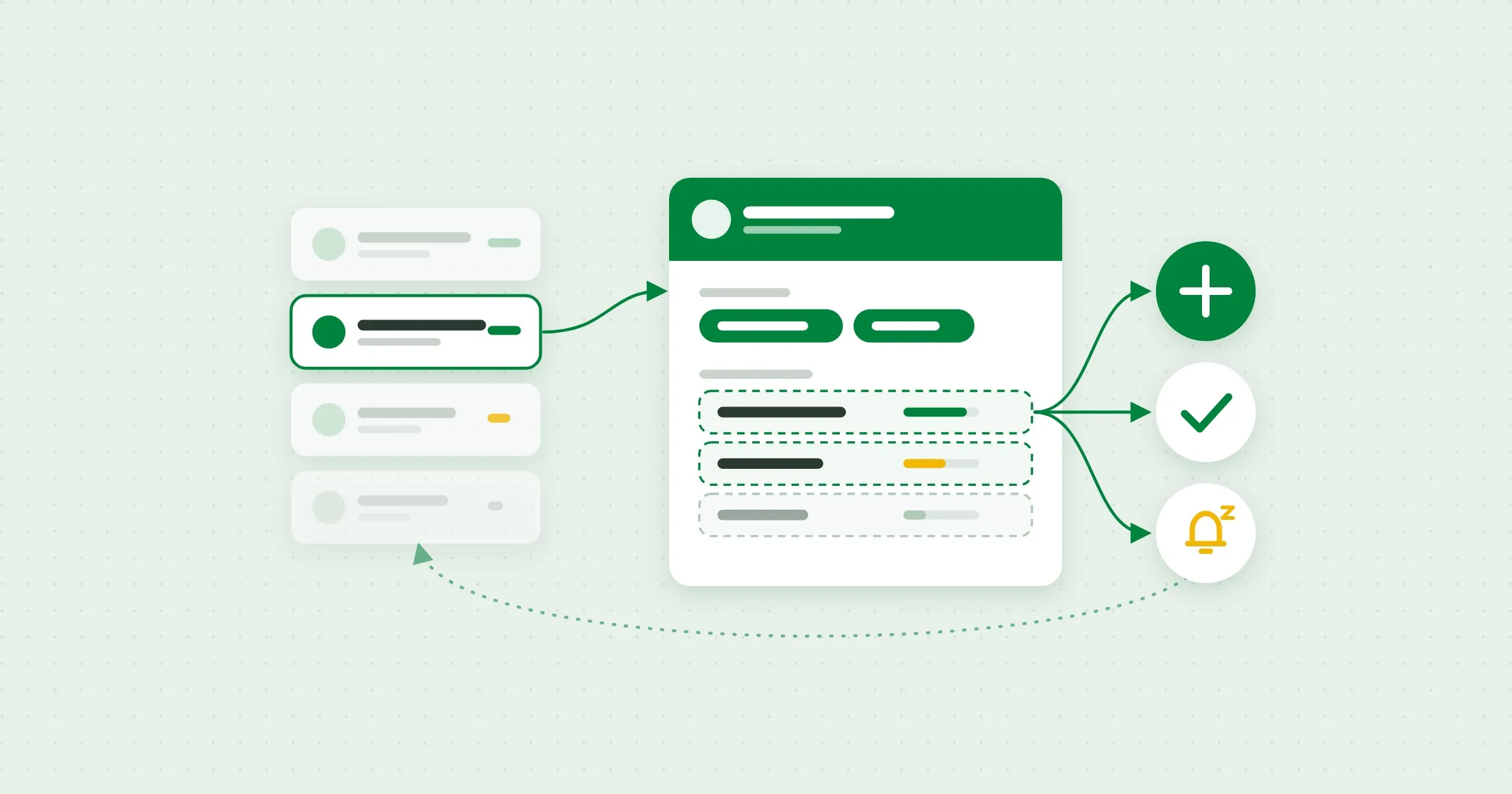
Reps start from a ranked list of target customers, ordered by potential value and geographic advantage. Each account opens to a single view: how the latest marketing campaign landed, the products that customer could use next with how strong each opportunity is, and their purchase history over time.
Every suggestion needed a next step, so each one comes with quick actions. A rep can turn it into an opportunity, snooze it until a better time, or mark it complete, and leave a short note for whoever picks it up next.
5Plan what’s next
Suggestions only get better if the tool learns from them. In the future state, reps tell the tool why a product wasn’t a fit or how the conversation went. A product that doesn’t match drops off that customer’s list, and the reasons feed the next round of suggestions and campaigns.
Result
The team got an MVP design for the cross-selling tool, shaped by what reps and customers told us, and a future state where feedback from every conversation improves the next suggestion.
Sales tool screensThe company details view.Password required